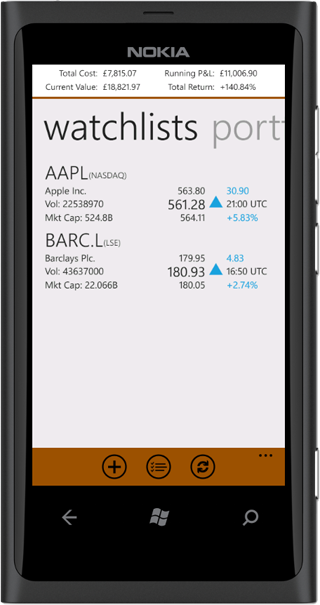
watchlist
You probably hear about an exciting new stock that you're interested in, and you may have scribbled something on a piece of paper but eventually forget about it.
The watchlist tab in the app helps you to keep track of those companies that piques your interest but you're not yet at the point of taking the decision to open
a position.
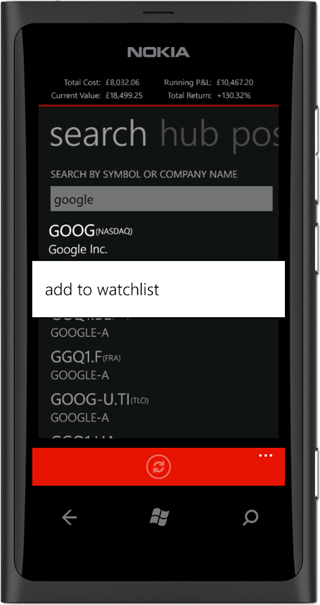
Adding a company to your watchlist can be achieved in two simple ways. On the watchlist tab, you click the add button and search for the company
by name or stock symbol, and you can either simply tap+hold and select 'add to watchlist' or tap to open company details and in the app bar
on the summary page you press 'watchlist' button.
To remove a company from your watchlist cannot be any simpler, from the app bar on company summary page you simply press the 'watchlist' button or you can
remove multiple stocks from your watchlist using the multi-selector on the watchlist tab on the main pivot page.