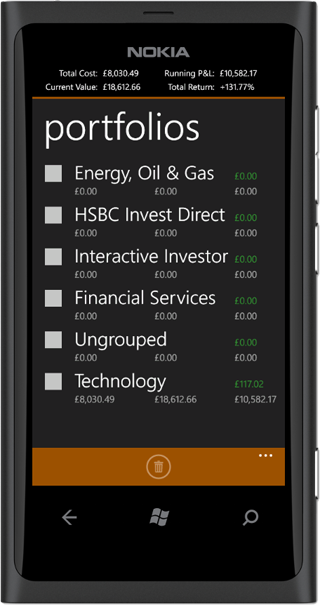
portfolio
Portfolios are a good way of organising your positions into groups. You can create portfolios around the type of industry, the broker
with whom your purchase the stock through or by any other criteria as desired. Currently, a stock can be added only to one portfolio.
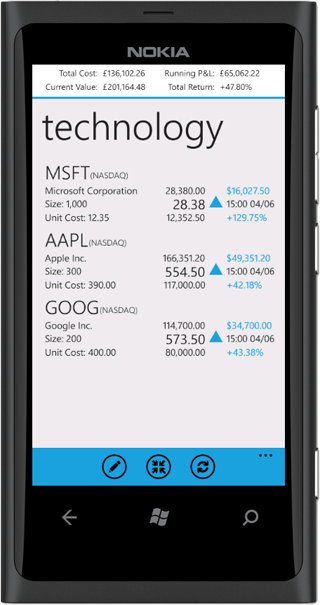
To add a new portfolio, you click the 'add' button on the portfolios page, and in the textbox shown enter the new portfolio name.
Editing a portfolio can either be renaming the portfolio, which can be done at any time, when you tap on the portfolio, and when the page opens, in the app bar you
tap on the 'rename' button.
To add or remove stocks from the portfolio, you will need to edit the position and change the portfolio it belongs to.
A portfolio can be deleted using the multi-select button on the portfolios page. When a portfolio is deleted, all related data including stocks, positions,
news and chart data will all be deleted. This action is not reversible.
The portfolio page shows five important information for each portfolio: the portfolio name, the cost value of positions
in the portfolio, the current value of those positions, the overall change and the day's change. The day's change is displayed next to the portfolio name.